> For the complete documentation index, see [llms.txt](https://support.onlogic.com/llms.txt). Markdown versions of documentation pages are available by appending `.md` to page URLs; this page is available as [Markdown](https://support.onlogic.com/product-documentation/industrial-products/mc500-and-mc600-series/mc601.md).
# MC601
## Assembling the MC601 4x HotSwap Bay Case
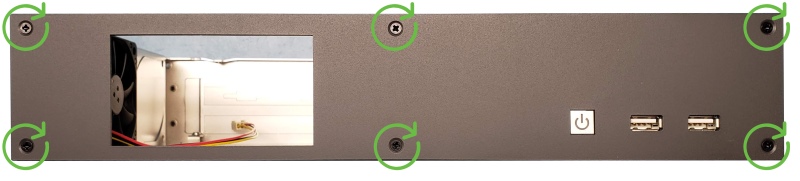
* Remove the existing front plate from the case and install the new front plate in its place.
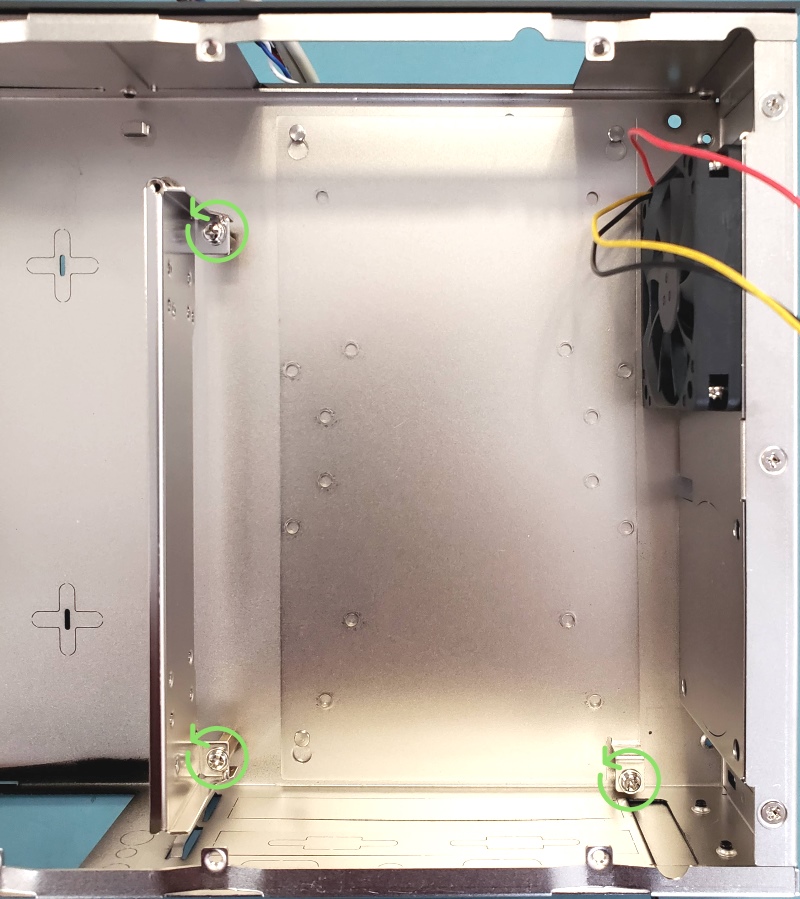
* Remove the hard drive tray and PCIe riser bracket
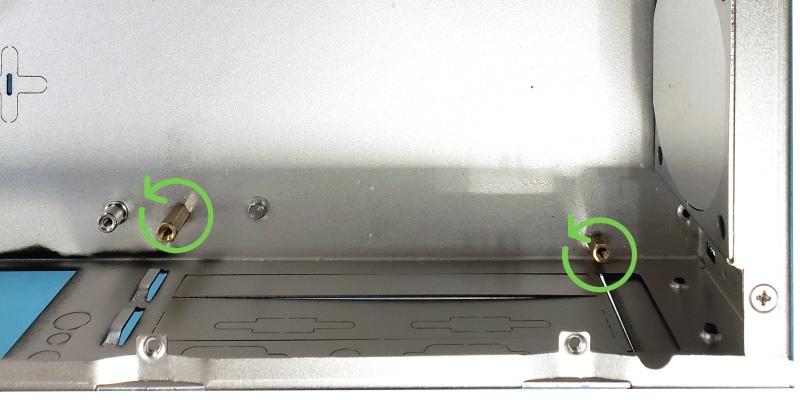
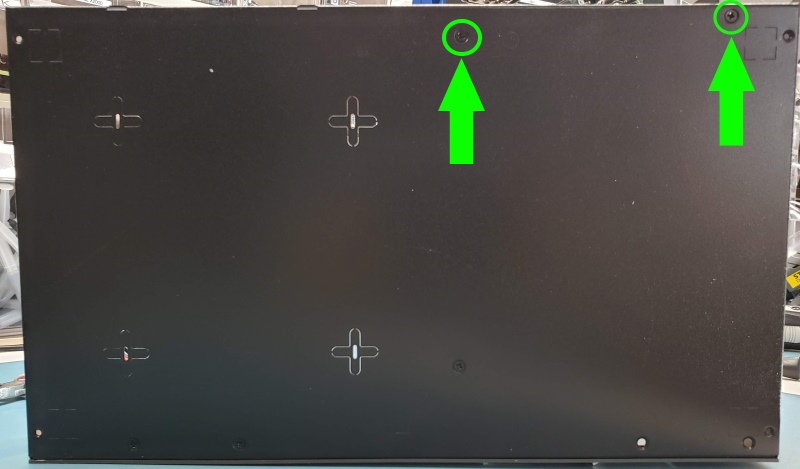
* Remove these 5MM standoffs and lift the case so the screws fall out from the bottom. Set screws aside for later.
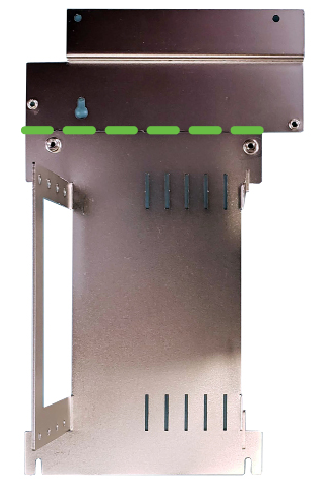
* Bend tray at marked line until parts separate
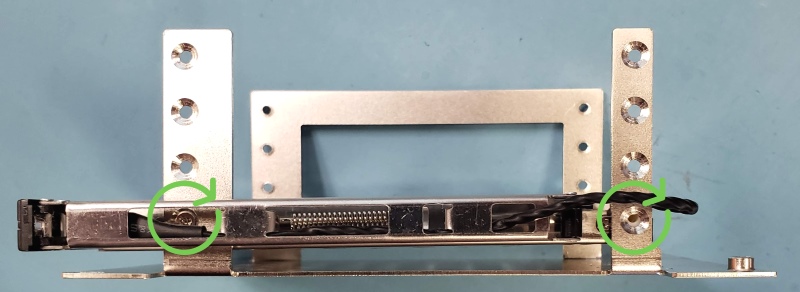
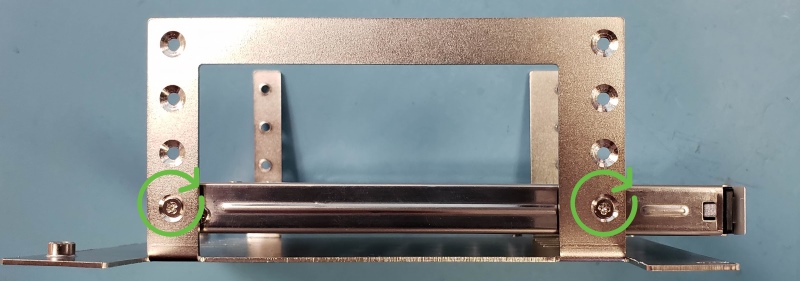
* Install hotswap bays to bracket using the included screws
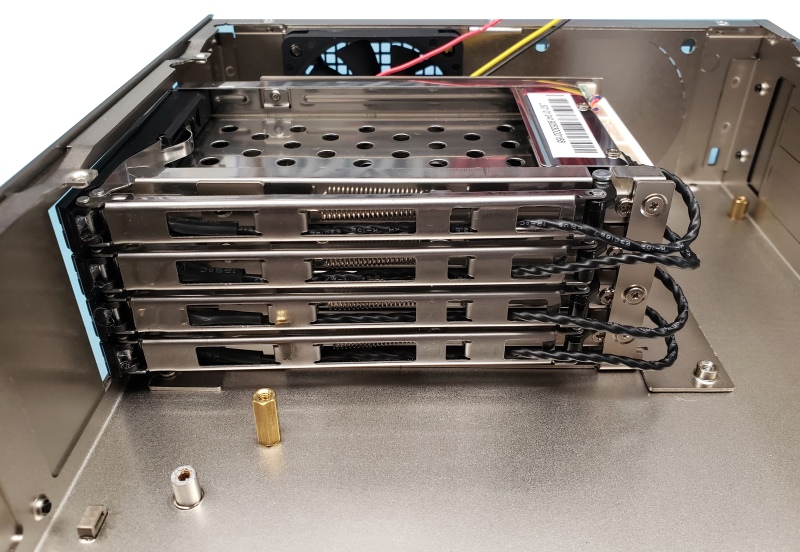
* Install tray in system
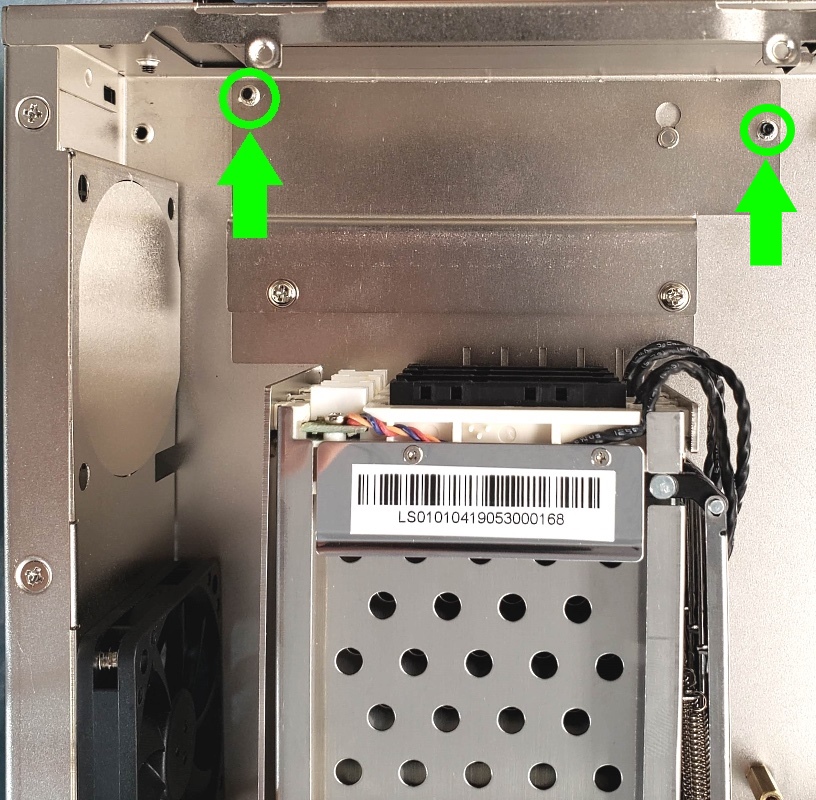
* Install the 2nd half of the bracket as shown
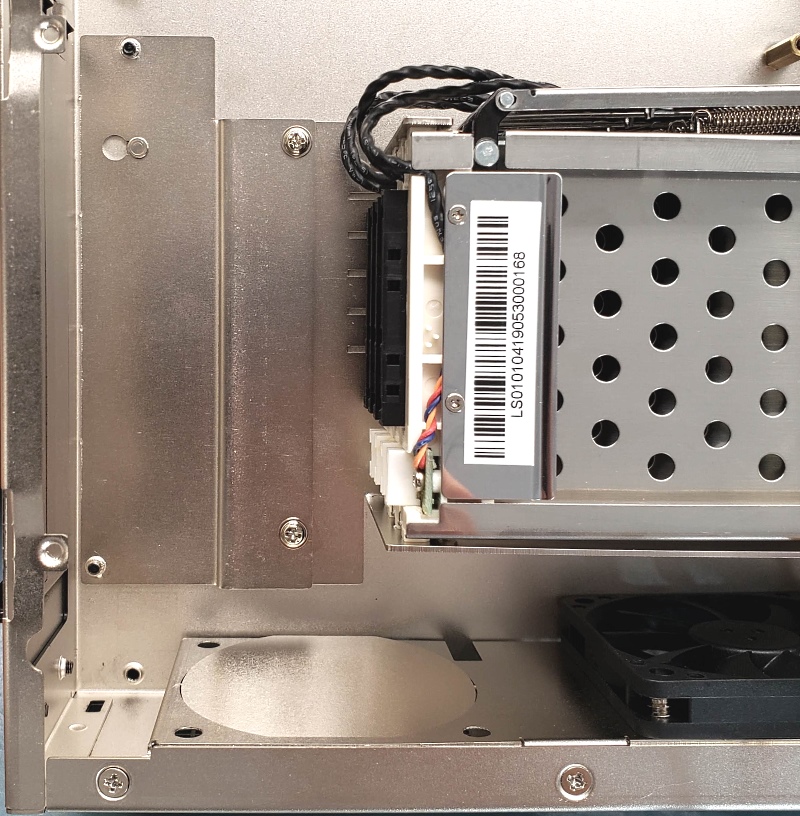
* Using the screws from the standoffs removed previously (or spares from the accessory box), install screws up through the bottom of the case to hold the bracket in place
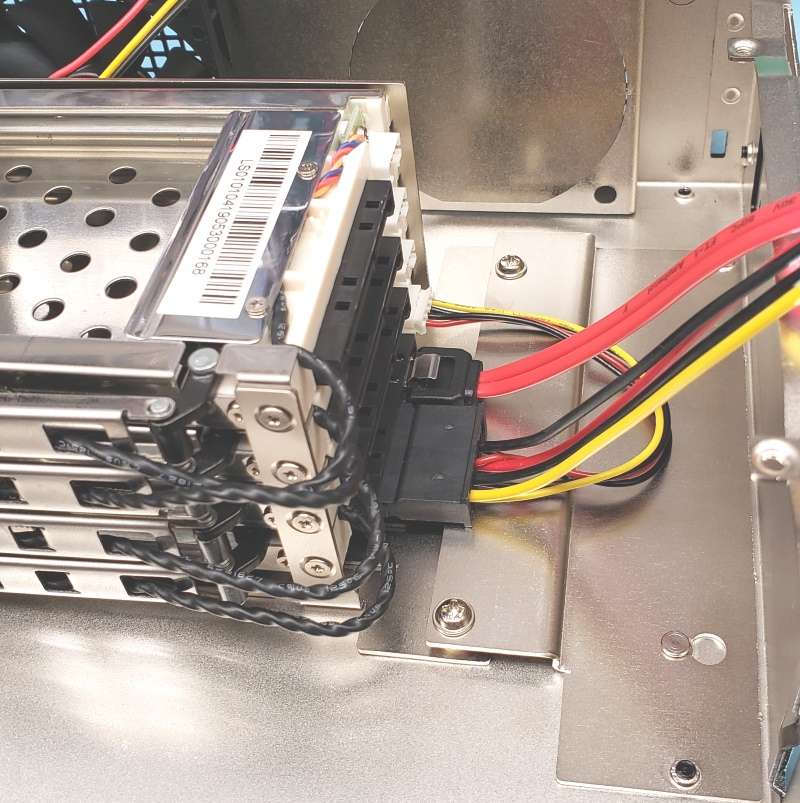
* Connect SATA cables