# USB PD Firmware Update

### <mark style="color:blue;">Downloads</mark> <a href="#downloads" id="downloads"></a>

[TI TPS6559x Firmware Update Utility](https://static.onlogic.com/resources/firmware/utilities/TPS6559x_Firmware_Update.exe)

[TPS65594 Firmware Version 0.3.8](https://storage.cloud.google.com/ls-public-web-content/resources/firmware/binaries/TPS6559X/TPS65994AD_v0.3.8.bin)

### <mark style="color:blue;">Firmware Update</mark> <a href="#updating-firmware" id="updating-firmware"></a>

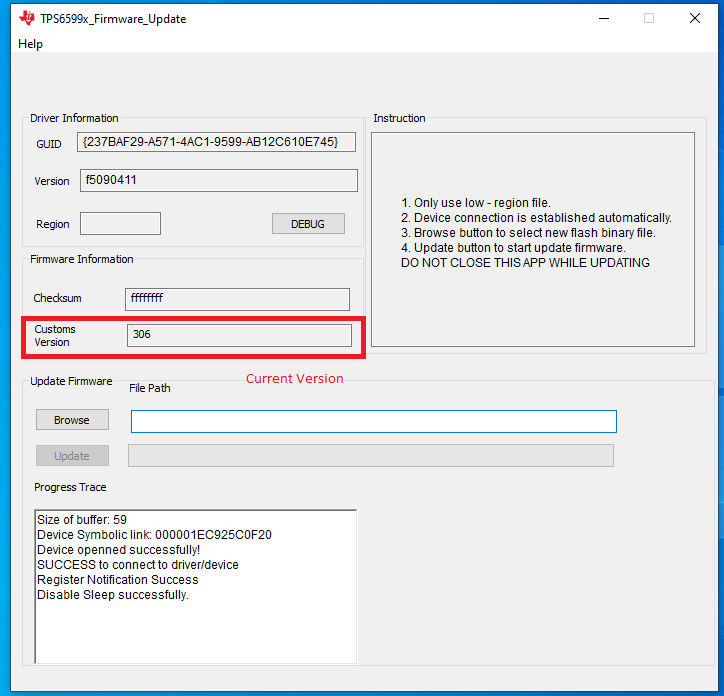
1\. Download and run the firmware update utility from the link above.

<figure><img src="/files/JdVSzkUG9fWhJzjAmKm5" alt="" height="696" width="724"><figcaption><p>The tool shows the current firmware version when run</p></figcaption></figure>

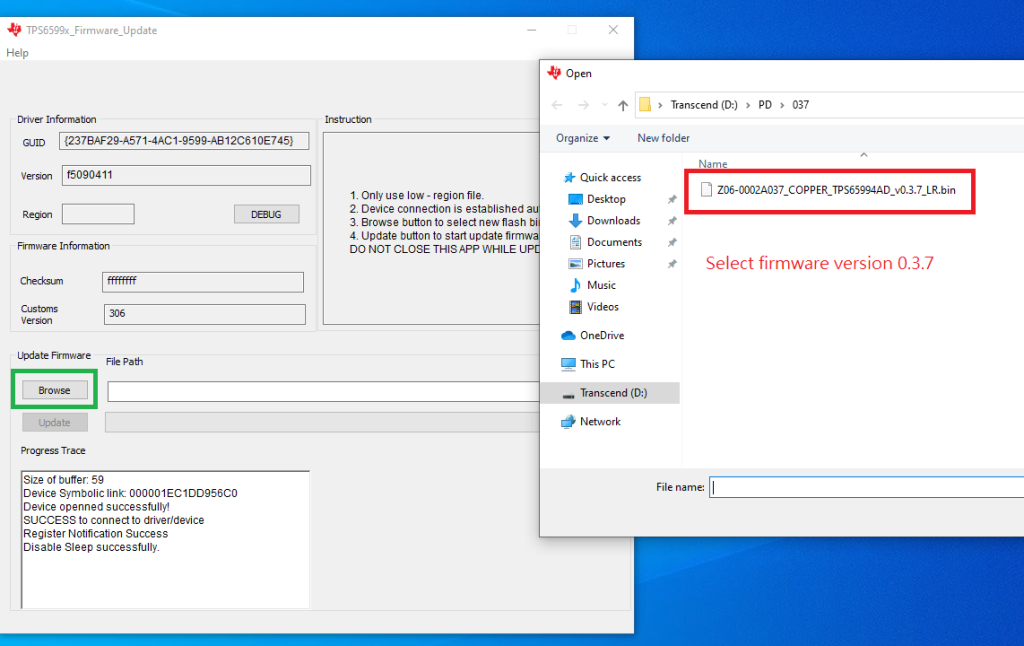
2\. Download the firmware binary from the link above and click the Browse button to select it to install. The example image is for version 0.3.7, but your version may be different.

<figure><img src="/files/yqUfZoqPmXCT6nw0YI2F" alt=""><figcaption><p>A file selection dialog appears to choose a firmware file when the Browse button is clicked</p></figcaption></figure>

3\. Select the firmware file and click the Update button.

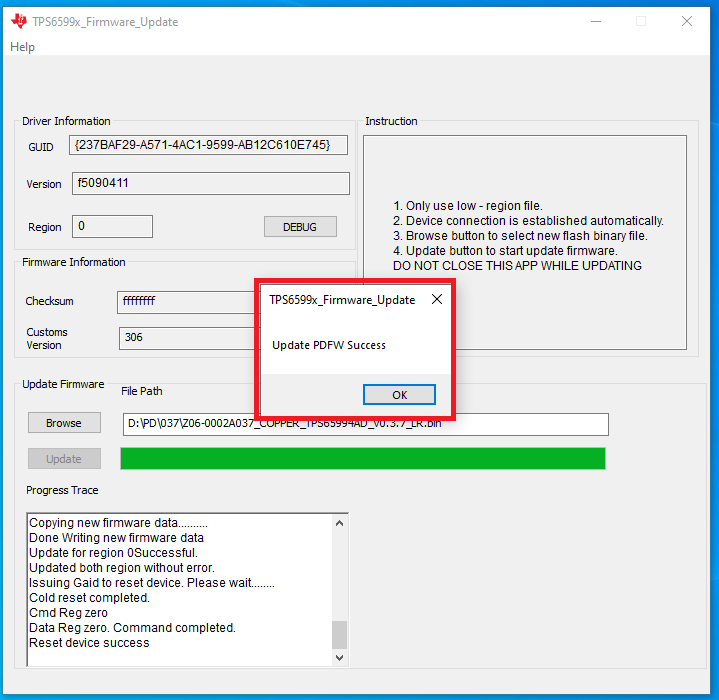
<figure><img src="/files/KpsB1Y5pLraWGvAMTm0F" alt="" height="700" width="719"><figcaption><p>After updating, a window appears to indicate success</p></figcaption></figure>

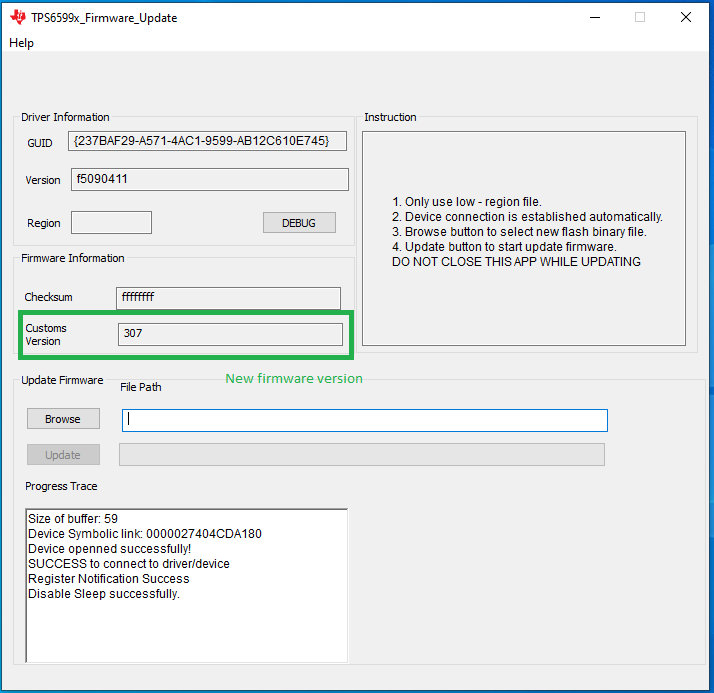
<figure><img src="/files/6vqi6pjVOekgZ3dZ52On" alt="" height="693" width="714"><figcaption><p>After the update, the tool shows the new firmware version</p></figcaption></figure>

4\. Restart to finish the update process.


---

# Agent Instructions: Querying This Documentation

If you need additional information that is not directly available in this page, you can query the documentation dynamically by asking a question.

Perform an HTTP GET request on the current page URL with the `ask` query parameter:

```
GET https://support.onlogic.com/support-articles/how-tos/firmware-bios-drivers/usb-pd-firmware-update.md?ask=<question>
```

The question should be specific, self-contained, and written in natural language.
The response will contain a direct answer to the question and relevant excerpts and sources from the documentation.

Use this mechanism when the answer is not explicitly present in the current page, you need clarification or additional context, or you want to retrieve related documentation sections.